Qualitative Data and Analytic Tools
Week 2 Overview
Prepare
- Read/watch 📗Math 130 (1.2-1.5)
- Get your code along files.
- Log into JupyterHub (will go through SSO)
- Launch Server
- Open RStudio
- In the “Files” pane (lower right corner) Navigate into the “shared/Donatello Wicked” folder
- Click the box next to
01-intro_r_codealong.qmd, then “More” and “Copy To”- Click the word “Home” to go back up to your home (root) folder
- Replace the word
codealongin the file name with your username (first part of your email). - e.g.
01-intro_r_rdonatello.qmd - repeat for
02-wwd_codealong.qmd
- Return to your home directory to access your copy of the file.
Materials
Assignments
- Complete code along 01, render to PDF and submit to Google Drive by Friday 9/4
Part 1: Programming in R
We’ll start by working together through these lessons together in class. These lessons generally follow specified sections in Math 130. I have cut out selected content that we will cover in a different way later on. There are walk through videos on the Math 130 website so if you need to go back because you missed something you can do so.
Terminology (Why words matter)
The basis of programming is that we write down instructions for the computer to follow, and then we tell the computer to follow those instructions.
We write, or code, instructions in R because it is a common language that both the computer and we can understand (with practice).
We call the instructions commands and we tell the computer to follow the instructions by executing (also called running) those commands.
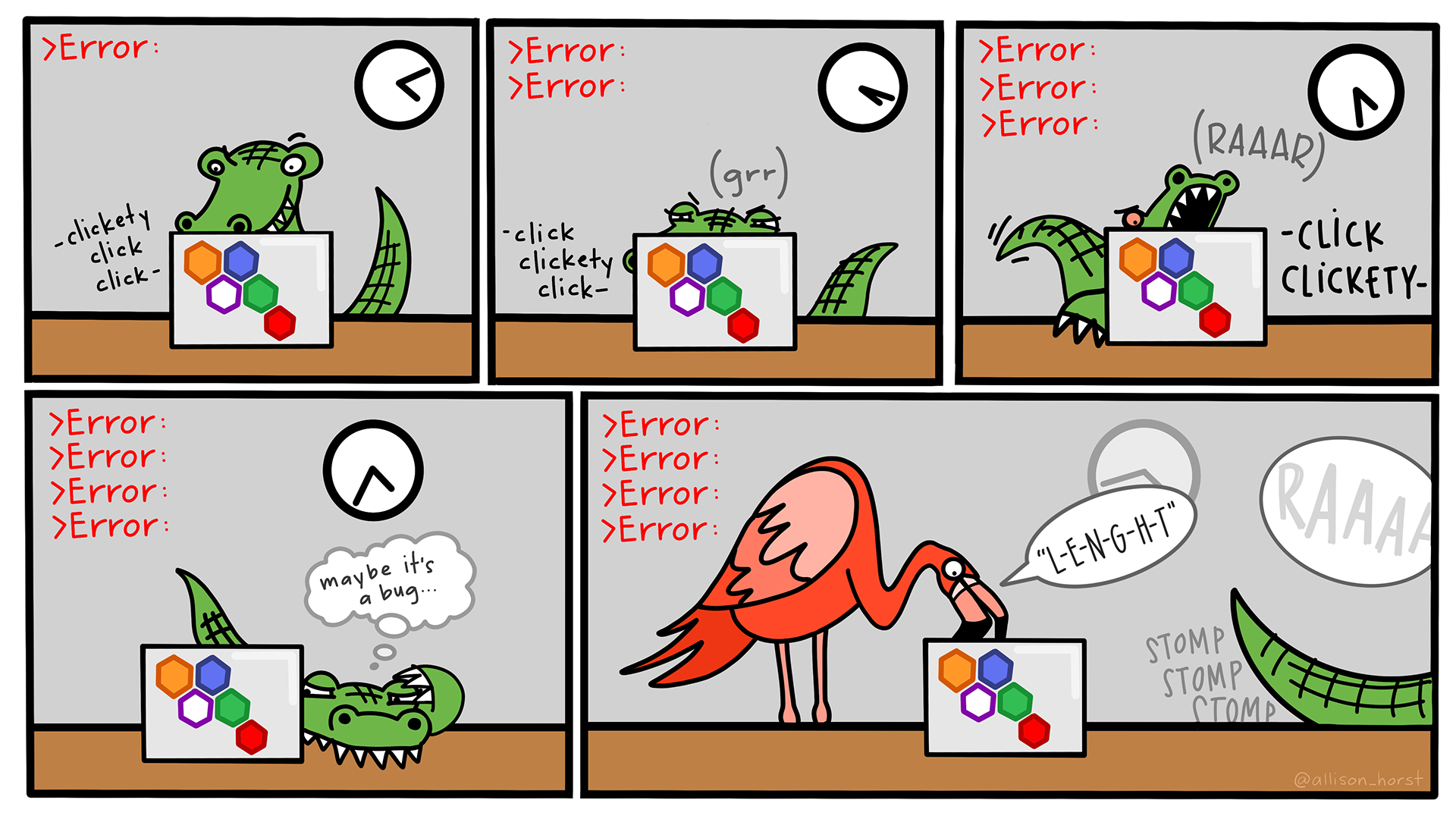
Learning how to code is like learning a new language. There are rules and exceptions, and it can be extremely precise and sometimes frustrating in how literal it is. More importantly, there are a lot of steps that we as humans skip when explaining how to do a thing to other humans - because we expect some baseline knowlege or that they can pick up on context. Computers don’t work that way.
Imagine asking your child, nephew/niece or favorite small person to write you instructions on how to make a PB&J sandwich. This guy Josh did exactly that and you can see the results here.
So why does that matter? In programming capitalization matters, spacing, punctuation, special characters.. those all matter. So pay close attention to instructions (such as last week’s Hello World activity where it asked you to name your file) and when in doubt, ask your neighbor to to be a second pair of eyeballs.
Basic syntax of R
- Math 130 Chapter 3.1-3.5
- R4NP Ch 5 (additional reference)
- Code along 01-intro_r
- Code along QMD file
Working with Data
We likely won’t finish both today, so it is your responsibility to finish the rest, render and submit completed notes as PDF to the Class activity submissions folder in Google Drive by the due dates posted on the schedule. The Math 130 reference page have follow along videos you can reference as well.
Part 2: Introduction to Qualitative Data
- Analytic Strategies
- Cross-Disciplinary Research Collaborations
- Types of qualitative data